Page 1 of 1
#1 Postimage
Posted: Sun Jun 06, 2021 9:06 am
by Fspp369
I realise this is a numpty question but...
When I look at a post and then click on the image to look “full screen” I get the postimage website page and can’t seem to find how to get the image. I’m registered on postimage but that doesn’t help.
I know I’m missing something simple such as it’s not,available etc but..
BTW I usually use an i
pad or,Mac In the office, of it makes any difference.
Please feel free to give me torrents of abuse.... 


#2 Re: Postimage
Posted: Sun Jun 06, 2021 10:24 am
by Heuer
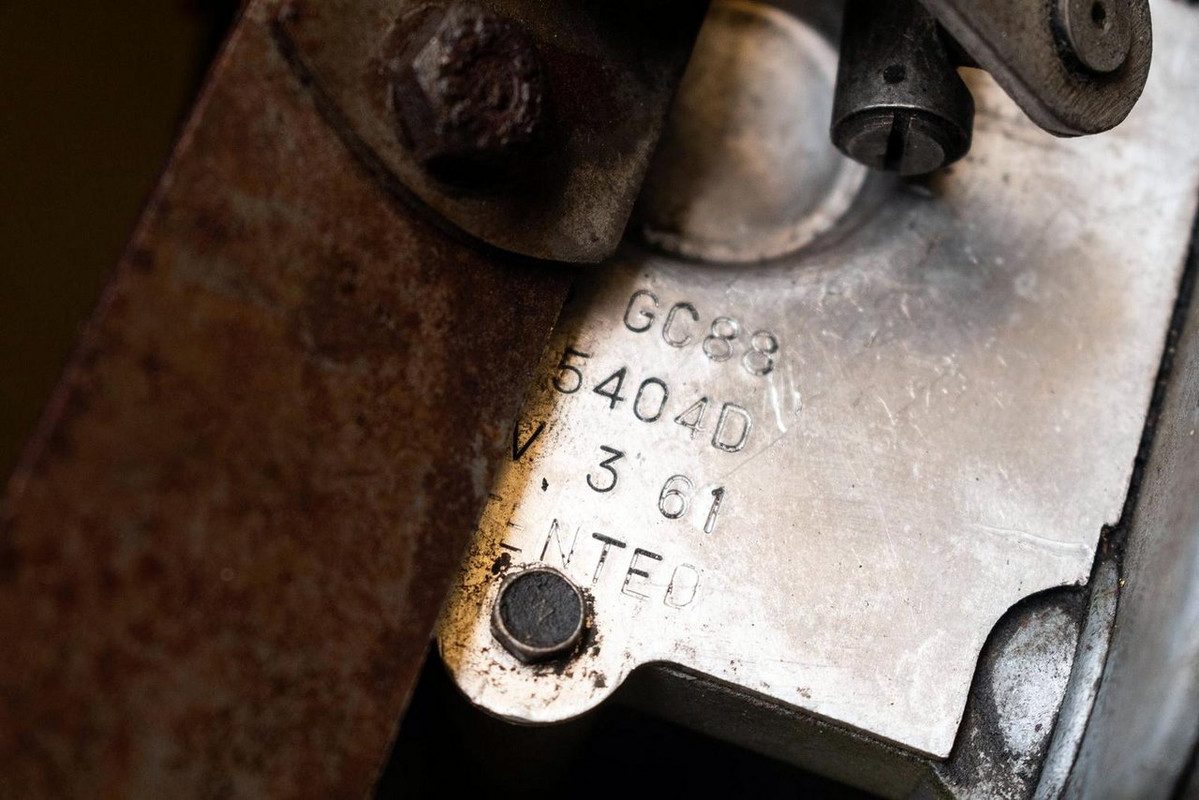
The original poster decides on the image size and the default is 'Do not resize my image'. I always use the "1280x1024 (19" monitor)" option and it works. e.g.
#3 Re: Postimage
Posted: Sun Jun 06, 2021 2:31 pm
by mgcjag
Hi Peter...can you see the image Heuer posted above.....Steve
#4 Re: Postimage
Posted: Sun Jun 06, 2021 2:56 pm
by lowact
I'm not a registered Postimage user.
If I left-click I sometimes get the Postimage website (not in the above case).
Instead, to view images I right-click and select "Open image in new tab".
#5 Re: Postimage
Posted: Sun Jun 06, 2021 3:01 pm
by AussieEtype
I am not a postimage user and can open the above image in postimage and even zoom in - not logged in or registered.
#6 Re: Postimage
Posted: Sun Jun 06, 2021 6:26 pm
by Heuer
Postimage does not require membership to be able to post photos.
#7 Re: Postimage
Posted: Mon Jun 07, 2021 12:52 am
by MiguelsCar
There's an attachment button at the bottom of the page where you can add a file.
#8 Re: Postimage
Posted: Mon Jun 07, 2021 7:50 am
by Fspp369
All:
Yes I can see that image but this one, full screen is not available.
http://forum.etypeuk.com/viewtopic.php?f=6&t=17589
If you touch the image on an iPad you get the Postimage page.
Quite a few of the posts are easily visible just some aren’t.
#9 Re: Postimage
Posted: Mon Jun 07, 2021 7:55 am
by Fspp369
“#5 JD 45 torsion bar tensioner tools” is a good example of a set of images that won’t “blow up”.
http://forum.etypeuk.com/viewtopic.php? ... 87#p123438
#10 Re: Postimage
Posted: Mon Jun 07, 2021 12:03 pm
by AussieEtype
While I can see and enlarge the image (stamped numbers) above no problem, I cannot open the torsion bar tensioner pics in that last link - so to me there is something related to how the poster puts up images on Postimage.
If I can see some images in Postimage and not others it is not a problem at the viewers end but most likely at the posting/listing end.
Garry
#11 Re: Postimage
Posted: Mon Jun 14, 2021 1:57 pm
by JerryL770
On a Windows pc, put your mouse pointer on the image and look at the link address which then appears at the bottom left corner of your screen.
If it is postimages.org clicking on it will only bring you a blank postimages page.
If it is postimg.cc clicking on it will get you the picture.
If it is postimages.org then right click on the image, select "copy image link" then open a new tab, paste the link into the address bar and hit "enter". The picture opens and you can click on it to enlarge.